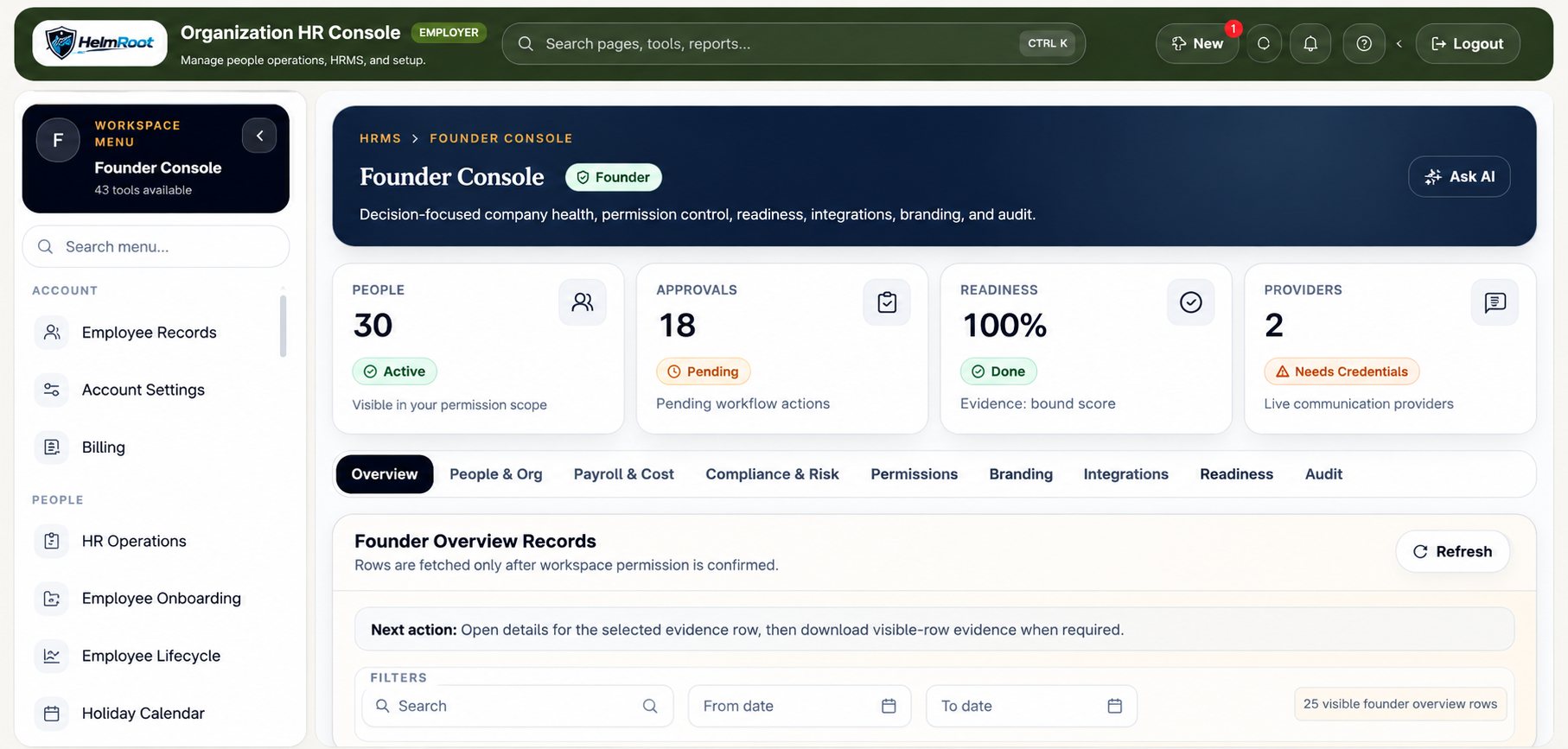
Buying HRMS software for an Indian small business is not just a feature comparison. The practical question is whether the system can reduce daily HR follow-up without exposing salary, bank, tax, document, or employee data to the wrong users.
Start with employee data
The first requirement is a clean employee master record. Capture department, branch, designation, manager, joining date, employment status, documents, emergency contact, statutory fields where applicable, and role access. If this foundation is weak, every approval and payroll report later needs manual cleanup.
- Employee profile fields
- Department and branch mapping
- Manager hierarchy
- Document categories
- Active, inactive, and archived status
Connect attendance, leave, and payroll inputs
Small businesses often lose time reconciling attendance registers, leave messages, and payroll spreadsheets. A useful HRMS connects check-in, check-out, WFH, regularization, leave, holidays, overtime, and payroll-ready payable day inputs.
- Daily attendance
- Leave and WFH requests
- Manager approvals
- Payroll impact
- Monthly reports
Make self-service useful
Employee self-service should let employees view their own profile, submit profile edit requests, download allowed payslips, upload documents, read policies, raise HR tickets, and track approval status. It should not let employees change approved master data directly.
- Profile change request
- Document upload
- Payslip download
- Ask HR
- Policy acknowledgement
Protect sensitive fields
Small teams sometimes give broad admin access because it is convenient. That creates unnecessary risk. Salary, bank details, statutory records, tax files, payslips, payroll exports, document downloads, and role changes should be explicitly permission checked and audited.
Plan a staged rollout
Start with the workflow causing the most manual work, usually attendance, leave, employee records, or payroll inputs. After the team is comfortable, add onboarding, exit, assets, training, helpdesk, secure files, and reporting.
Practical rollout checklist
- Map departments, branches, managers, and employee categories.
- Decide who can view salary, documents, payroll exports, and reports.
- Configure leave, WFH, holidays, and attendance correction approvals.
- Test employee self-service with a small pilot group.
- Review pricing, modules, and implementation support before checkout.
For a deeper buying review, compare the related Helmroot page at /hrms-software-india, then review modules, pricing, and demo support.
FAQ
What should small businesses check first in HRMS software?
Start with employee records, attendance, leave, self-service, payroll inputs, role permissions, and reports because these workflows affect daily operations immediately.
Should employees edit their own HR profile?
Employees should submit profile edit requests. HR or an approved admin should approve changes before master records are updated.
Can a small business start without every HRMS module?
Yes. A staged rollout is safer than launching every workflow at once.